

What is Autosplit?
Autosplit distributes your uncategorized datapoints between Training and Validation sets.How to Autosplit a Dataset
1
Click Autosplit
Click the Autosplit button on the top right of the screen to autosplit your dataset.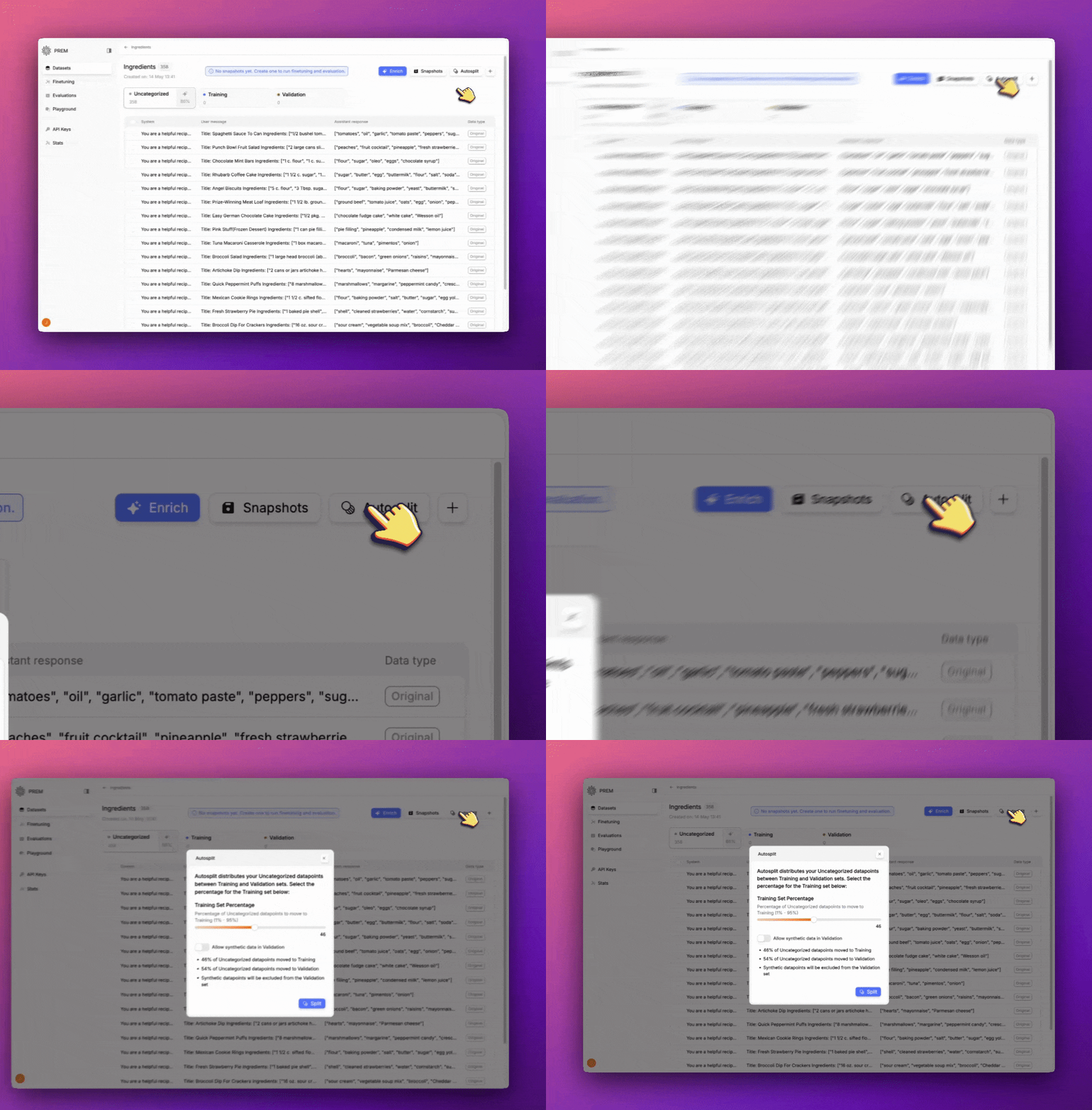
2
Select the Percentage of Datapoints to Autosplit
Select the percentage of datapoints you want to split into training and validation.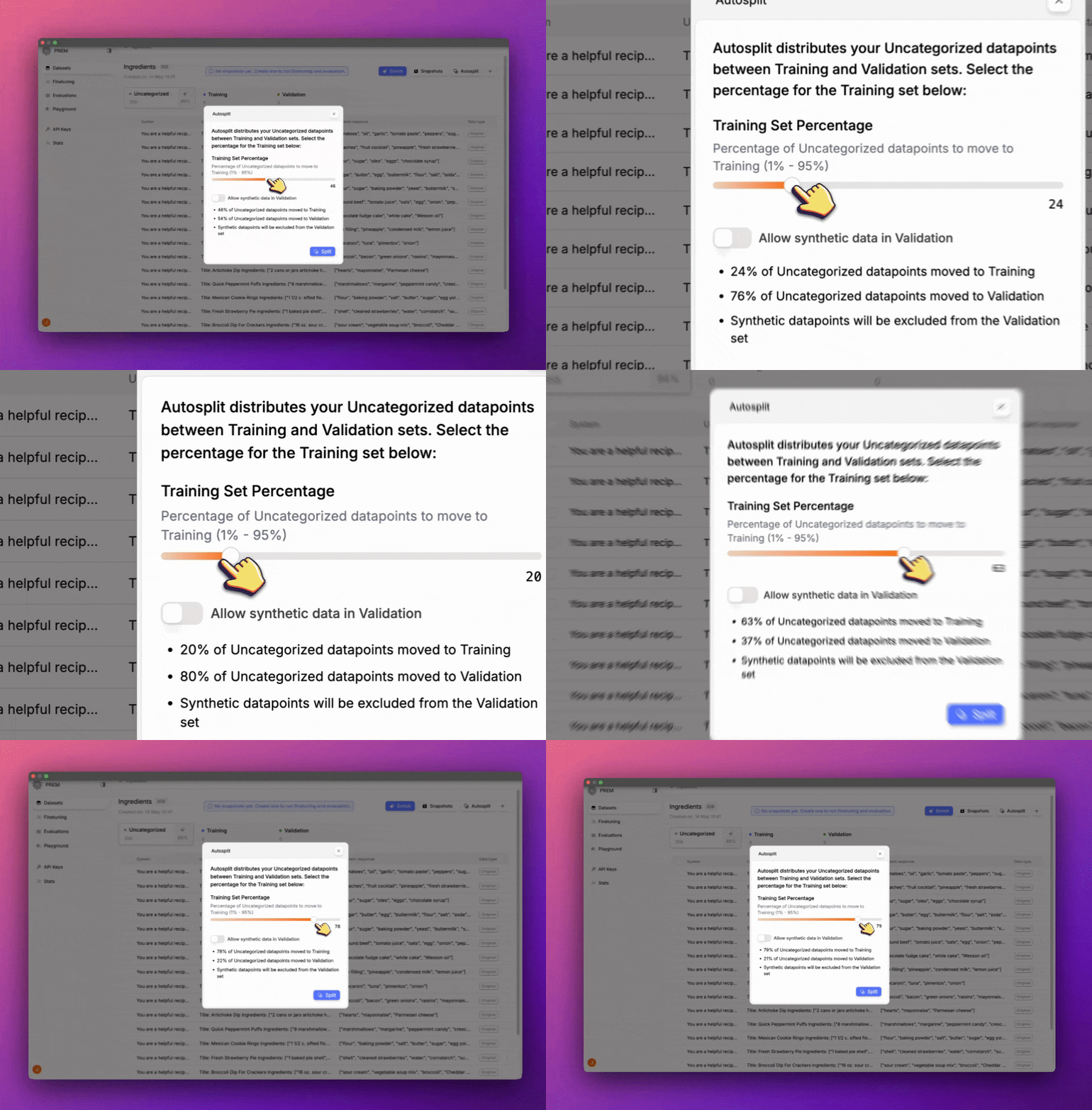
3
OPTIONAL: Allow Synthetic Data in Validation
Click this toggle to allow synthetic data in Validation.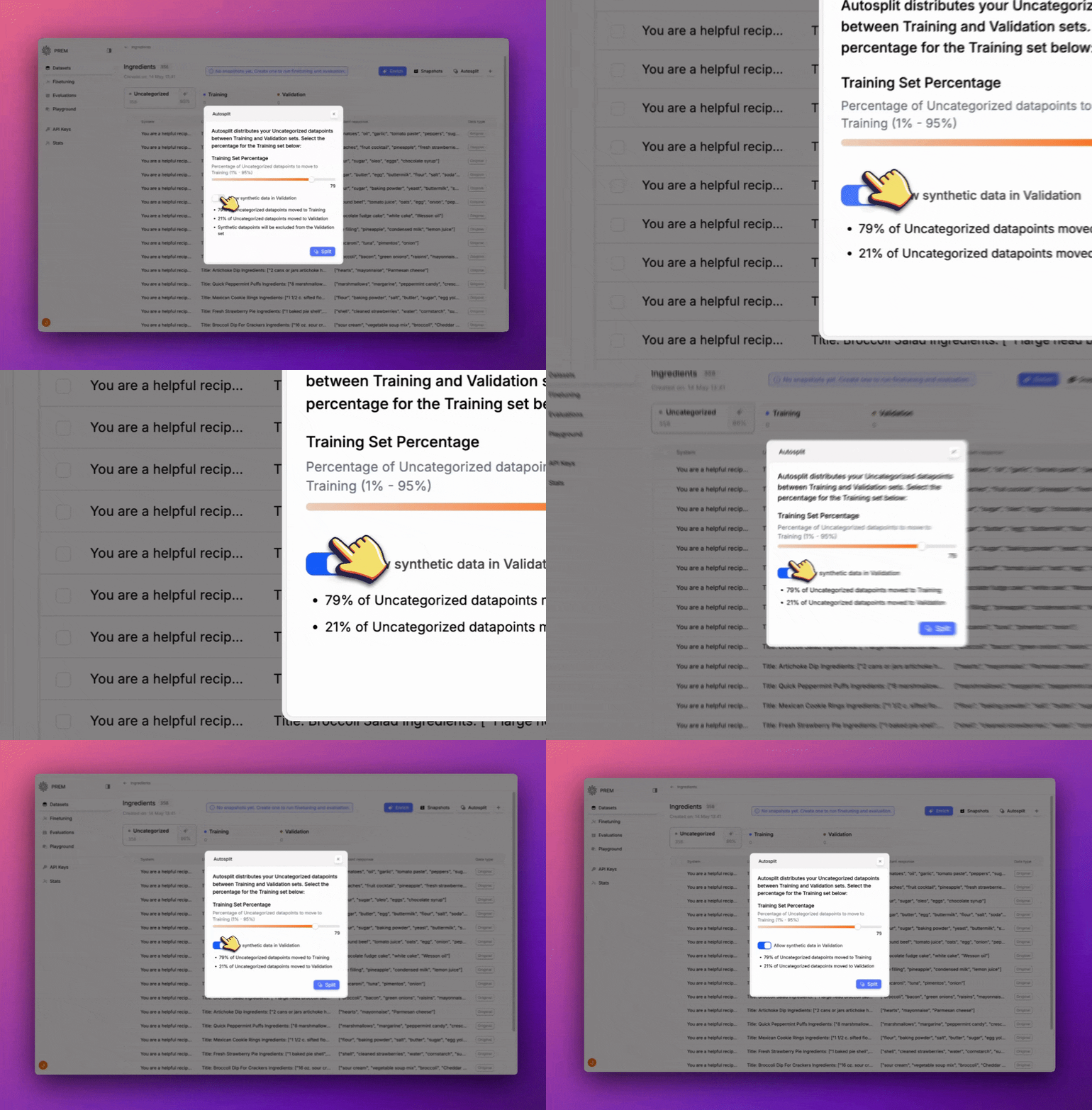
4
Click Split
Click Split to autosplit your dataset. You’ll see that the dataset is now split into Training and Validation.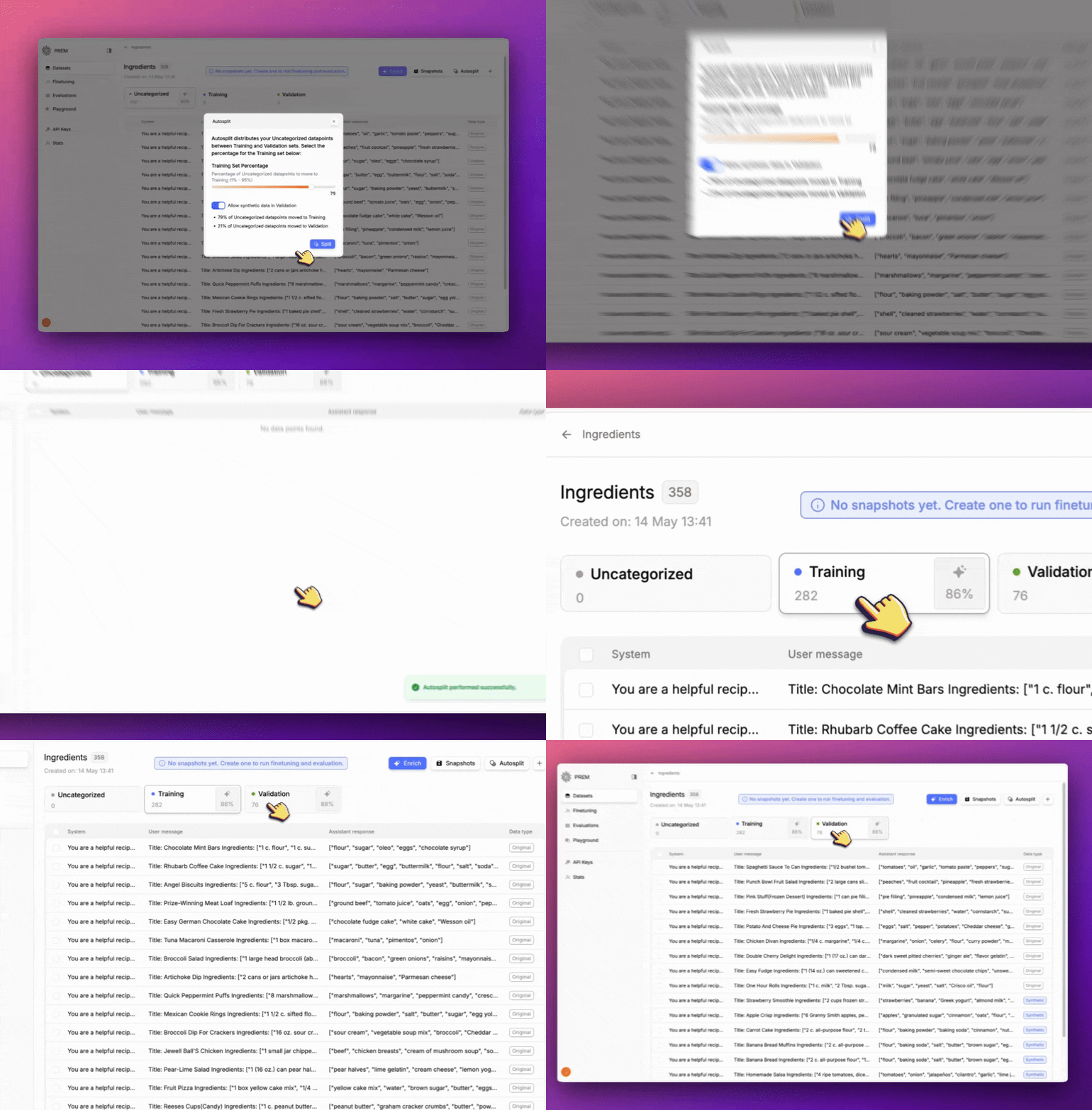
5
Create a Snapshot
Now that your dataset is split, you can create a Snapshot to use in Finetuning or Evaluation.Click the card below to learn how to create a Snapshot.
Create a Snapshot
Create a Snapshot to use in Finetuning or Evaluation.
Next Steps
Create a Snapshot
Create a Snapshot to use in Finetuning or Evaluation.
Create a Fine-Tuned Model
Create a Finetuned Model to use in Evaluation.
Create an Evaluation
Create an Evaluation to use in Evaluation.
Use the Playground
Use the Playground to test your model.