

Uploading Prem Datasets to Hugging Face
Let’s start with uploading datasets to Hugging Face. By now you might have learned that you can store versions of datasets in the form of snapshots. Let’s see how we can download the snapshot and upload it to Hugging Face.1
Download Your Dataset Snapshot
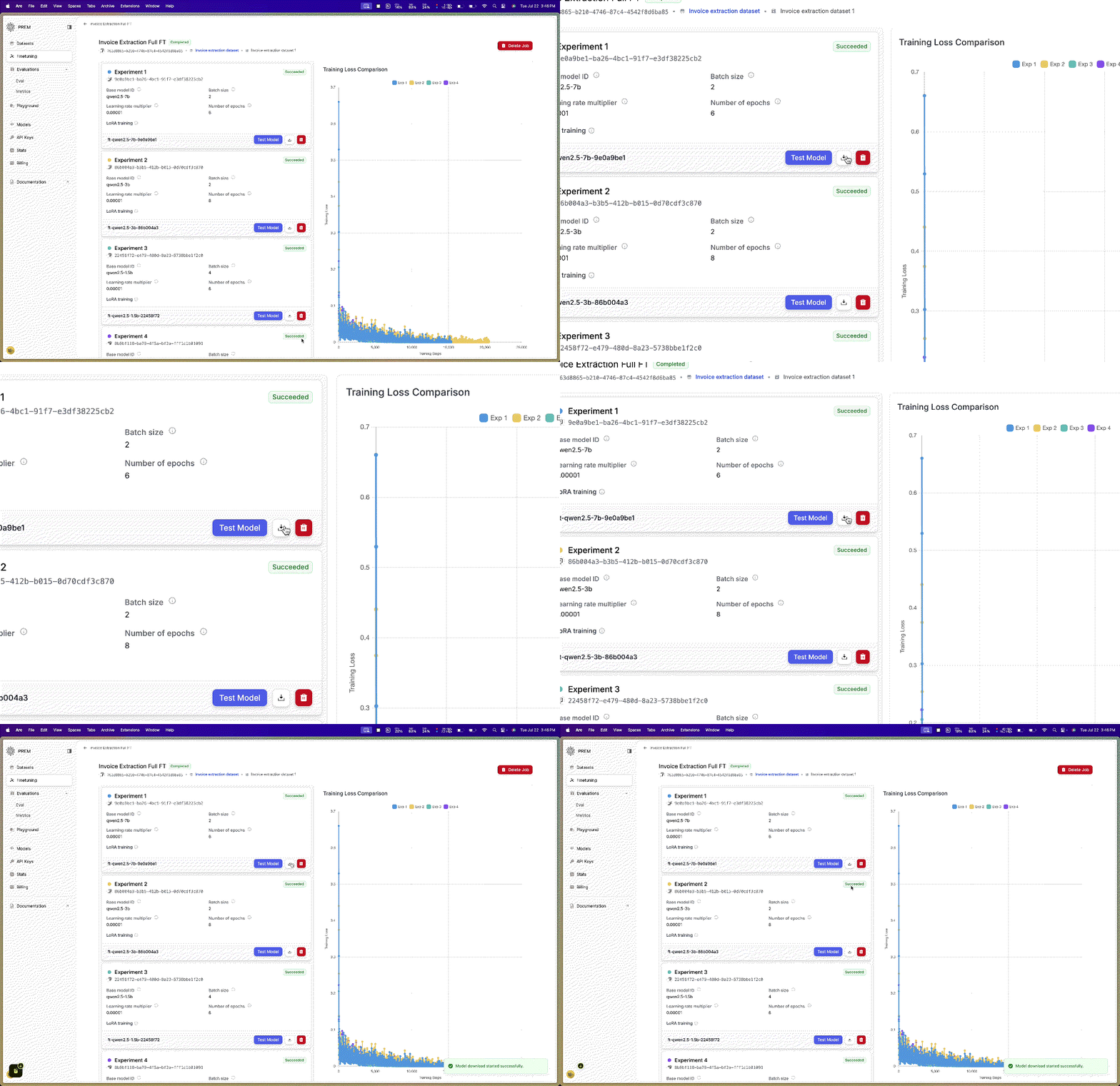
 In the top right of the datasets page, you will see a Snapshots button. Click it to view a list of available snapshots. Download the snapshot of your choice by clicking the download icon.
This will download a zip file to your
In the top right of the datasets page, you will see a Snapshots button. Click it to view a list of available snapshots. Download the snapshot of your choice by clicking the download icon.
This will download a zip file to your Downloads folder. When you unzip it, you will see three files:
train.jsonl, validation.jsonl, and full.jsonl.2
Upload Dataset to Hugging Face
Ensure you are logged in to your environment with the Hugging Face CLI.
Make sure you have
huggingface_hub installed using pip and you have logged in using the following command:Uploading Prem Fine-Tuned Models to Hugging Face
Prem Studio offers two fine-tuning methods: LoRA and Full fine-tuning. If you don’t know what LoRA is, you can check that out here quickly. Here are some key differences:- LoRA fine-tuning downloads only the additional adapter weights that were trained on top of the base model.
- Full fine-tuning downloads the complete model with all updated parameters. Note that these can be very large files.
 In this guide, we’ll show you how to upload model checkpoints fine-tuned using both LoRA and full fine-tuning methods.
Uploading LoRA Fine-Tuned Models to Hugging Face
LoRA (Low-Rank Adaptation) creates lightweight adapter files that work with a base model. When uploading LoRA models, you’re essentially uploading these adapter weights that can be loaded on top of the original base model. Here’s how to upload your LoRA fine-tuned model:When uploading LoRA checkpoints, you’ll need the 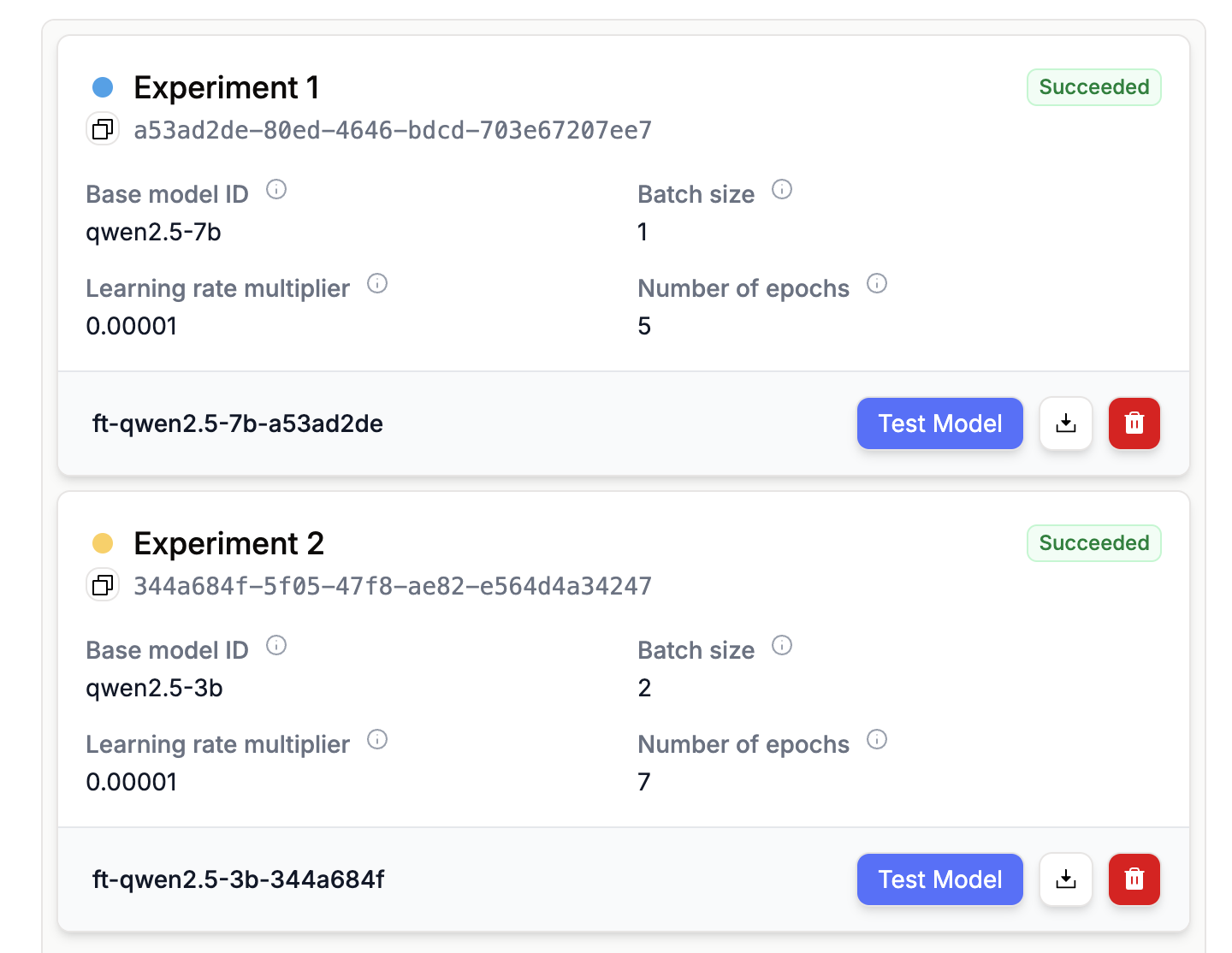
base_model_id from Hugging Face that corresponds to the model you fine-tuned. You can find the base model name in your fine-tuning page, then use the table below to get the correct Hugging Face model ID.Uploading Full Fine-Tuned Models to Hugging Face
Full fine-tuning creates a complete model with all parameters updated for your specific task. This approach gives you maximum flexibility but results in larger file sizes. Here’s how to upload your full fine-tuned model:What Happens After Upload?
Once your datasets or models are uploaded to Hugging Face, they become part of the Hugging Face ecosystem. This means:- Easy sharing: Your datasets and models can be easily shared with colleagues or the community
- Version control: Hugging Face automatically handles versioning of your uploads
- Integration: Your models can be used with popular ML frameworks like Transformers, Datasets, and more
- Discoverability: Public repositories can be discovered by the ML community
Remember to set appropriate visibility (private or public) for your repositories based on your needs. You can always change this later in your Hugging Face repository settings.